
Drag & drop, paste (Ctrl+V) or click to choose images
PDF files only
Up to 6 files at a time · Files are deleted after processing
Resolution (DPI)
An A4/Letter page is about 600 × 850 px at 72 DPI, 2,500 × 3,500 px at 300 DPI and 5,000 × 7,000 px at 600 DPI. Higher DPI means larger files.
Convert to
PDF → JPGHow to use
- 1
Upload your PDF
Drag it into the box or click to browse. Up to 6 PDFs at a time, 50 MB each.
- 2
Choose a resolution
300 DPI for print, 600 DPI for fine detail, 150 or 72 DPI for small files.
- 3
Click “Convert to JPG”
Every page is rendered at the DPI you picked on our server.
- 4
Download your images
One page gives one JPG. Several pages give a ZIP with one JPG per page.
Key benefits
- •Choose 72, 150, 300 or 600 DPI, from email-sized to print-ready
- •Multi-page PDFs come as one tidy ZIP file
- •No screenshots, cropping or blurry text
Common uses
- •Post PDF pages, such as flyers and menus, on social media
- •Insert PDF pages into presentations or documents as images
- •Share a single page from a PDF with someone who can't open PDFs
Which DPI should you pick?
DPI decides how many pixels each inch of the page becomes. Here's the same A4 page, with one photo and a block of text, at each setting:
| DPI | Pixel size | JPG size | Good for |
|---|---|---|---|
| 72 | 596 × 842 | 87 KB | Thumbnails, quick previews |
| 150 | 1,240 × 1,754 | 257 KB | Web pages, social posts, slides |
| 300 | 2,481 × 3,508 | 695 KB | Printing, reading small text |
| 600 | 4,961 × 7,016 | 2.5 MB | Fine drawings, archiving |
If your image will only appear on a screen, 150 DPI is usually plenty, and it cuts each file to about a third of the 300 DPI default. Note that size climbs quickly: 600 DPI has four times the pixels of 300.
What changes when a page becomes a picture
Text in a PDF can be searched, selected and copied. In a JPG it's just pixels, so keep the PDF if anyone needs to edit or copy from it. Links and form fields stop working as well.
For pages made mainly of text or line art, sharp edges may show faint JPG artifacts, so PDF to PNG is a better fit there. JPG is the right pick for photo-heavy brochures, menus and flyers.
Frequently asked questions
Are all pages converted?
Yes. Every page becomes its own JPG. For PDFs with more than one page, the images are packed into a single ZIP file.
What resolution are the images?
You choose: 72, 150, 300 or 600 DPI, with 300 DPI as the default. An A4 or Letter page comes out at roughly 600 × 850 pixels at 72 DPI, 2,500 × 3,500 pixels at 300 DPI and 5,000 × 7,000 pixels at 600 DPI.
Should I use 300 DPI or 600 DPI?
300 DPI is print quality and right for almost everything: documents, flyers, slides and sharing. Pick 600 DPI only for very small text, detailed technical drawings or scans you want to archive; the files are three to four times larger.
Can I convert PDF to JPG at 1200 DPI?
Not here; 600 DPI is the maximum. A single A4 page at 1200 DPI is about 10,000 × 14,000 pixels (140 megapixels), which most image viewers and editors struggle to open, and it adds no visible detail over 600 DPI unless the PDF holds very high-resolution scans.
How do I get a small JPG, for example under 50 KB?
Choose 72 or 150 DPI, which gives a much smaller image of each page. If it's still too big, run the JPG through our image compressor.
Can I convert a password-protected PDF?
No. Remove the password first, for example by printing the PDF to a new PDF, then convert it.
What happens to my files?
Uploaded files are deleted from our server within seconds of conversion, and converted files are removed automatically within about 15 minutes. We don't keep copies.
Helpful articles
Read the blog →
How to Add a Favicon to Your Website: HTML, WordPress & More
Copy-paste favicon HTML, where the files go, and the steps for WordPress, Shopify, Wix, React and Next.js.
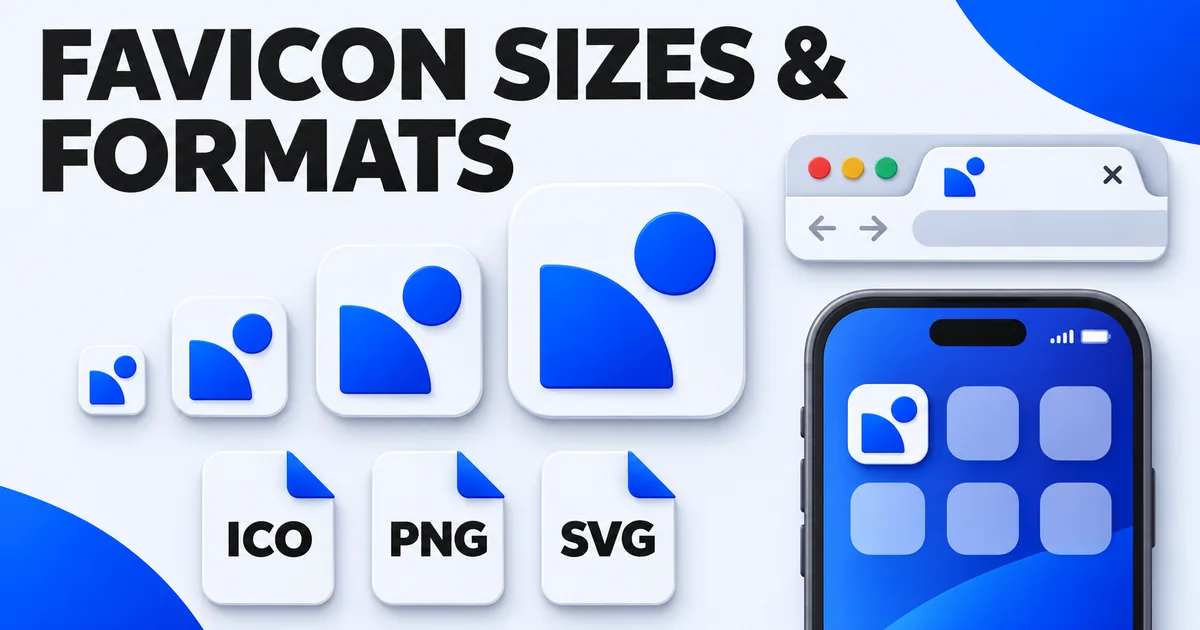
Favicon Size and Format Guide: ICO, PNG or SVG?
The favicon sizes every site needs, why favicon.ico still matters, and when an SVG favicon is the better choice.
What Is a HEIC File? iPhone Photos Explained
Your iPhone saves photos as HEIC, not JPG. Here's what the format is, what it does better than JPG, and why it causes so much trouble outside Apple devices.
Related tools
All tools →Merge images into one PDF
Combine several images into a single multi-page PDF, one image per page, in the order you choose.
IMAGEPDFConvert images to PDF
Turn JPG, PNG and other images into PDF files, one page per image, with nothing cropped.
PDFCompress PDF
Shrink PDF files by compressing the images inside them, while keeping text and layout intact.
PDFPNGPDF to PNG
Turn each PDF page into a lossless PNG at up to 600 DPI, keeping transparent backgrounds.