
Drag & drop, paste (Ctrl+V) or click to choose images
SVG files only
Up to 6 files at a time · Files are deleted after processing
Convert to
SVG → PNGKey benefits
- •Rendered at 300 DPI, about 4× the SVG's size in CSS pixels
- •Transparent backgrounds are preserved
- •PNG works in apps that don't open SVG, like many office and social apps
Common uses
- •Use SVG logos and icons in PowerPoint, Word or Google Docs
- •Post vector artwork on social media
- •Create PNG fallbacks of SVG icons for email templates
How big your PNG will be
SVG has no fixed pixel size, so a converter has to pick one. We render at 300 DPI, which multiplies the size set in the file by about 4.17:
| SVG width | PNG width | Typical use |
|---|---|---|
| 24 px icon | 100 px | Interface icons |
| 200 px | 833 px | Slides, documents |
| 512 px | 2,133 px | Print, large banners |
| 1,024 px | 4,267 px | Posters |
To get a different output size, edit the width and height attributes in the SVG before uploading. The drawing is rendered fresh at the new size, so it stays sharp.
When the PNG doesn't match the browser
SVG files can depend on things outside themselves. Web fonts fall back to a default unless text is converted to outlines. Linked external images may be missing, and animation is flattened to a single frame. If the result looks wrong, export again from your design tool with outlines on and images embedded.
Only have the code, not a file? Paste it into SVG Code to Image instead.
Frequently asked questions
How big will the PNG be?
The SVG is rendered at 300 DPI, about 4 times its size in CSS pixels. An SVG 200 pixels wide becomes a PNG about 833 pixels wide.
Is the background transparent?
Yes. Anything the SVG doesn't paint stays transparent in the PNG.
Why does the text look different?
If the SVG uses a font that isn't embedded in it, a fallback font is used. Convert text to outlines in your design tool before exporting the SVG for an exact match.
Helpful articles
Read the blog →
SVG vs PNG: Vector vs Raster Images Explained
Why a logo stays sharp at any zoom level while a PNG turns blurry, and how to pick between SVG and PNG.

How to Add a Favicon to Your Website: HTML, WordPress & More
Copy-paste favicon HTML, where the files go, and the steps for WordPress, Shopify, Wix, React and Next.js.
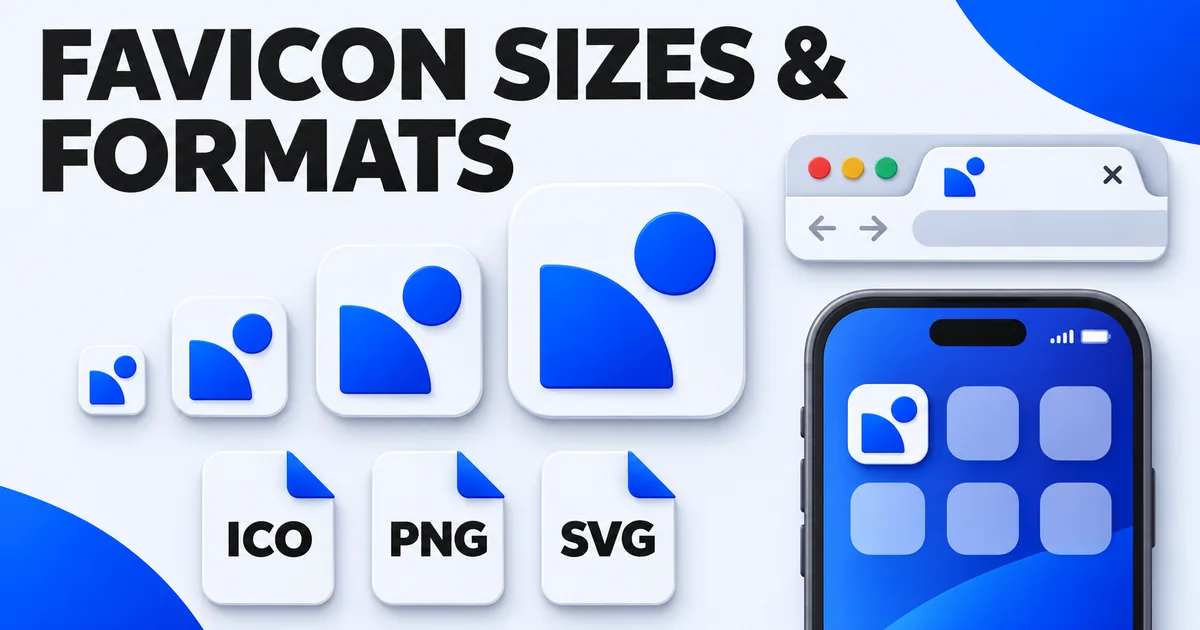
Favicon Size and Format Guide: ICO, PNG or SVG?
The favicon sizes every site needs, why favicon.ico still matters, and when an SVG favicon is the better choice.
Related tools
All tools →SVG code to image
Paste SVG code, export a PNG/JPG/WEBP image
PNGWEBPPNG to WEBP
Convert heavy PNG images to lightweight WEBP files that keep their transparent backgrounds.
IMAGESVGConvert images to vector SVG
Trace PNG and JPG images into real vector SVG paths that scale to any size without blurring.
IMAGEPNGConvert images to PNG
Convert JPG, WEBP, AVIF and other images to lossless PNG files, with transparency preserved.